

Check MBOSE HSSLC ARTS Result 2026 Here
Check MBOSE HSSLC Commerce Result 2026 Here
Check MBOSE HSSLC Science Result 2026 Here
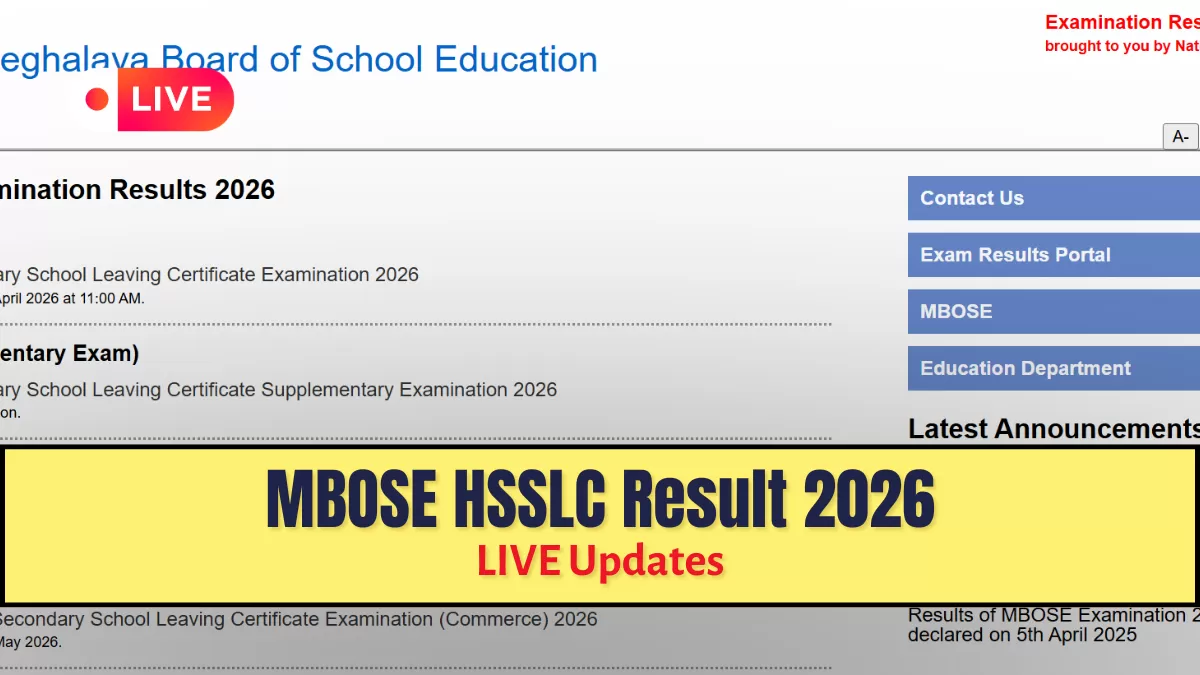
MBOSE HSSLC Result 2026: The Meghalaya Board of School Education (MBOSE) has officially announced the HSSLC (Class 12) Results 2026 today, Monday, May 4, 2026. For thousands of students who took part in the Higher Secondary School Leaving Certificate exams held between February 18 and March 13, this eagerly awaited announcement represents the end of their scholastic career. The results for the four streams Arts, Science, Commerce, and Vocational will be made public simultaneously at 11:00 AM, according the board's official announcement. All students in the state will find it easier to make the transition to higher education thanks to this coordinated release.
MBOSE will activate digital linkages across several authorized portals to guarantee transparency and accessibility, enabling students to obtain provisional e-marksheets and receive their individual scorecards right away. Candidates can access their subject-wise marks and qualifying status by inputting their unique roll numbers on websites such as megresults.nic.in and mbose.in. The online marksheet is a crucial document for future college and university admissions procedures, even though it is only temporary.
How To Download The MBOSE HSSLC Result 2026?
To download the MBOSE HSSLC Result 2026 follow the steps given below:
- For your stream Arts, Science, Commerce, or Vocational select the relevant link.
- Enter your unique Roll Number just as it appears on your admission card.
- Click the Submit button to load the results after confirming the entered data.
- Examine your qualifying status and subject-specific scores on the digital screen.
- For college applications, download the Provisional Marksheet PDF and print a copy.
MBOSE HSSLC Result 2026: Official Website
Students can access their scorecards on any of the following authorized websites:
- megresults.nic.in
- mbose.in
- mboseresults.in
- results.digilocker.gov.in


Comments
All Comments (0)
Join the conversation