

Show Key Points
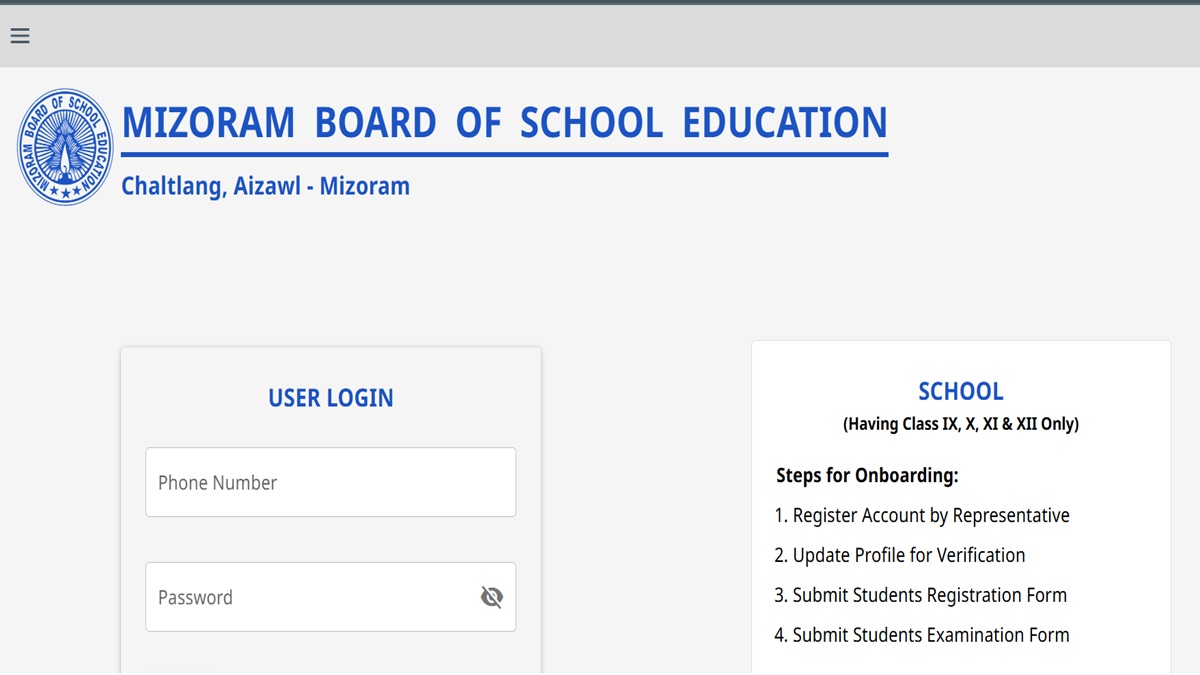
Mizoram Board HSLC Result 2026: The Mizoram Board of School Education is all set to announce the class 10 results of the Mizoram Board today, April 23, 2026. As per the official notification, the results will be out at 12 noon. Candidates who have appeared for the exams can visit the official website to check the results.
Once announced, students can check their Mizoram Board 10th result 2026 on the official website mbse.edu.in. To download the marksheets, candidates are required to visit the official website of the board and log in with their credentials.
The link for students to check their Mizoram Board HSLC result 2026 will be activated on the official website of the board, mbse.edu.in. Candidates can also check their results at mbseonline.com.
List of Websites to Check Mizoram Board Results
Mizoram Board officials will be announcing the MBSE 10th Results 2026 online. The list of websites where candidates can check their Mizoram class 10 result is also provided below
Steps to Download MBSE HSLC Result 2026 Online
Candidates who have appeared for their Mizoram Board class 10 exams can get their online marksheets on the website. Follow the steps provided below
Step 1: Visit the official website of Mizoram Board
Step 2: Click on MBSE HSLC Result 2026
Step 3: Click on the login link
Step 4: Enter the Roll number and Registration number
Step 5: The class 10 marksheets will be displayed.
Step 6: Download for reference
How to Check Mizoram Class 10 Results on Digilocker App
Along with the link on the official website, candidates can also check their MBSE 10th Result 2026 on the Digilocker App. Follow the steps provided below to download the online marksheet on the portal
Step 1: Visit the official Digilocker Portal
Step 2: Click on Class X Marksheet
Step 3: Select Mizoram School Education Board
Step 4: Click on the login link
Step 5: Enter the Roll Number and Registration number
Step 6: The Mizoram Board 10th Marksheet will be displayed
Step 7: Download marksheets for further reference

Comments
All Comments (0)
Join the conversation