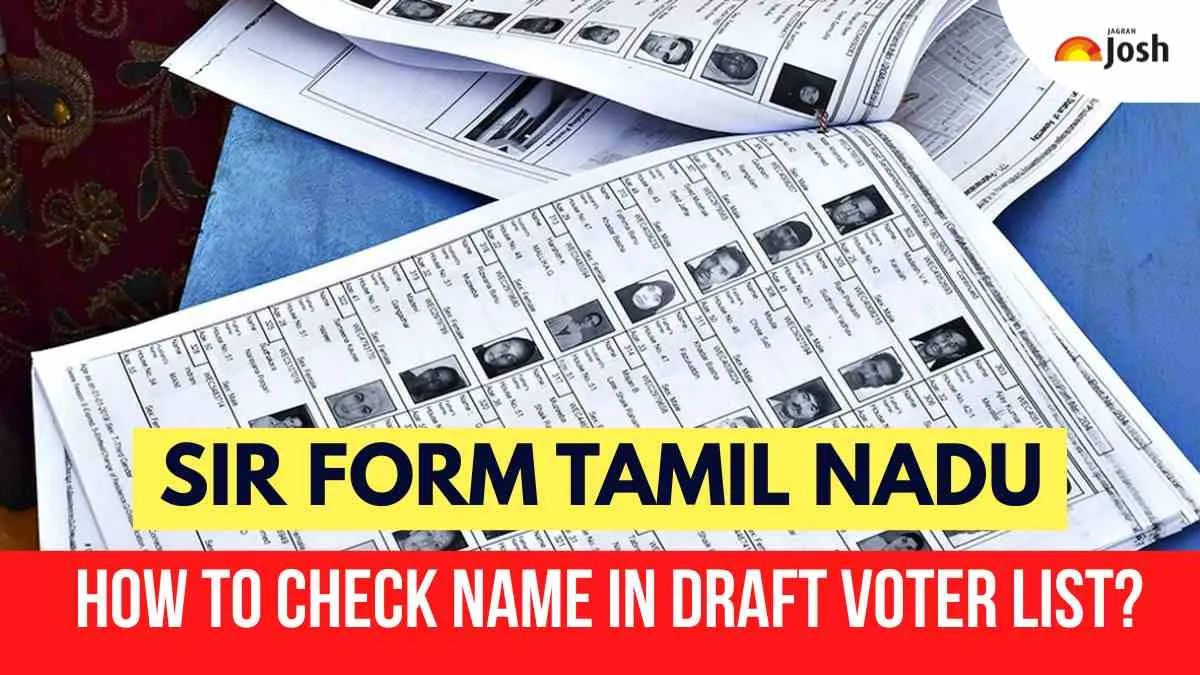
An important initiative by the Election Commission of India is called the Special Intensive Revision (SIR) of electoral rolls in Tamil Nadu, which aims to bring the electoral rolls up to date prior to the next elections. In comparison to the routine updates, this latest effort by the ECI will require all voters, even those who have previously registered to vote, to complete new enumeration forms in order to be included in the draft electoral roll.
This will also allow for the removal of any inaccurate entries from the current electoral rolls (e.g., voters who have died, moved out of the area or changed their residence) as well as new, eligible citizens. Ensuring that you find your name on the draft electoral roll is a critical first step to protecting your voting rights. This guide will walk you through the SIR process and give you easy-to-follow steps to check your name online or by using the official mobile apps.
Steps to Check Your Name in the Draft Voter List
-1766133391829.png)
The Draft Voter List will show you whether or not you have registered to vote after submitting your SIR form. This can be done either by using a computer or smartphone app.
Using Official Website
-
Go to the official website of the Election Commission of India.
-
To start searching for your name in the Electoral Rolls, click the option labelled "Search Electoral Roll".
-
Enter your EPIC number or your personal information (i.e. Name, Age, District).
-
If your name appears in the results returned from the search on this webpage, you are registered.
Using the ECINET Mobile App
-
Obtain and install the official Election Commission ECINET mobile application on your smartphone.
-
Use the search feature on this app to check if your name was entered correctly by inputting either your EPIC number or other relevant personal details.
-
If you see that your name has been added to the ELECTORAL ROLLS, then you are eligible to vote in the upcoming elections.
-
If it does not appear on the rolls, you must submit a REQUEST for it to be added during the CLAIMS PERIOD.
What to Do If Your Name Is Not in the Draft Voter List?
If you have searched through the draft Voting Lists and you do not see your name listed, do not worry; there are methods to request your name be added.
1. Submit Form 6 (New Voter Application):
You can complete and submit a New Voter Application (Form 6). Be sure to submit your New Voter Application (Form 6) during the Claims & Objections Months.
2. Provide Supporting Documentation (Annexure-IV):
You may be required by the Election Authorities to provide proof of identity or address documentation, such as a Declaration Form in addition to Form 6, to verify your identity and address information.
3. Submission Methods:
You may either submit the Form 6 and any supporting documents in person to your Booth Level Officer (BLO) or submit the Form and supporting documents through online submission at the official Voter Portal or using the Mobile App.

-1766047423613.jpg "How to Download and Get PUC Certificate? Check Step-By-Step Process With Official Links Here")

-1766128662526.jpg)


Comments
All Comments (0)
Join the conversation