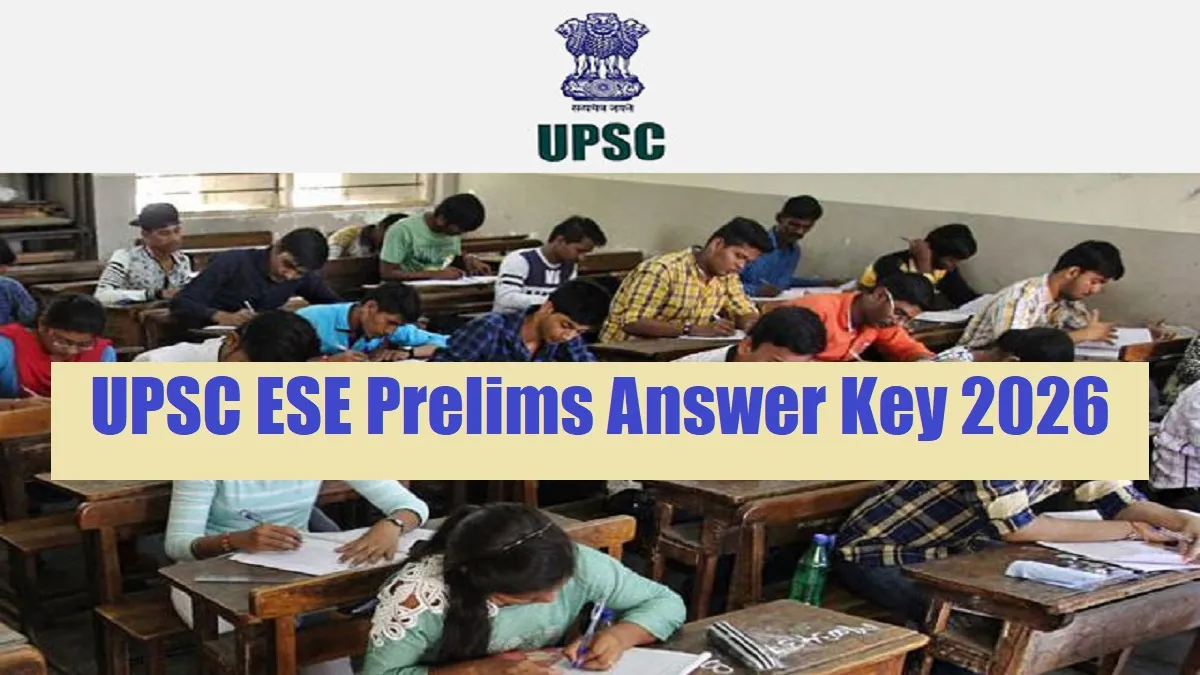
UPSC ESE Prelims Answer Key 2026: The Union Public Service Commission (UPSC) has successfully conducted the Indian Engineering Services (IES) exam, also known as the Engineering Services Examination (ESE) prelims on February 08 across the country. This recruitment drive aims to fill various vacancies in the discipline including Civil, Mechanical, Electrical, and Electronics & Telecommunication Engineering. All those candidates who appeared in the exam are eagerly waiting for the release of UPSC ESE Prelims Answer Key 2026. The UPSC ESE Prelims Answer Key 2026 gets released by the UPSC on the official website shortly. The answer key allows candidates to cross-check their responses to what they have marked in the exam. The UPSC also released the ESE Question Paper, allowing candidates to raise objections in case of any discrepancy.
UPSC ESE Answer Key 2026 Exam Mode
The UPSC Engineering Services Preliminary Examination 2026 conducted on February 08across the country. Candidates appearing in the exam will mark their answers on an OMR answer sheet provided at the test centre. The exam consists of objective-type questions to assess aptitude, engineering knowledge, and problem-solving skills.
UPSC ESE Prelims Answer Key 2026 Download
The UPSC Engineering Services Preliminary Examination 2026 answer key will be released on the official website of UPSC soon. However there is not any official announcement, in this regard, it is expected that the answer key will be released soon. The answer key will contain the question and its 4 options with the right option and option marked by the candidate.
Steps to Download the UPSC ESE Prelims Answer Key 2026
Candidates will be able to download the answer key once it gets released officially. Below we have listed the steps to download response sheets for the ease of candidates.
Step 1: Visit the official Official website of Union Public Service Commission (UPSC)– rsmssb.rajasthan.gov.in
Step 2: Go to the concerned answer window on the home page.
Step 3: Click on the "UPSC ESE Prelims Answer Key 2026" link.
Step 4: Click on the link and you will get the answer key in a new window.
Step 5: Click on "Submit" and view your answer key pdf
Step 6: Download and take a printout for the answer key.



Comments
All Comments (0)
Join the conversation