

Key Points
- The last date for candidates to apply for CUET PG 2026 is January 14
- CUET PG entrance exam to be held in March 2026
- CUET PG 2026 to be conducted for a total of 157 subjects
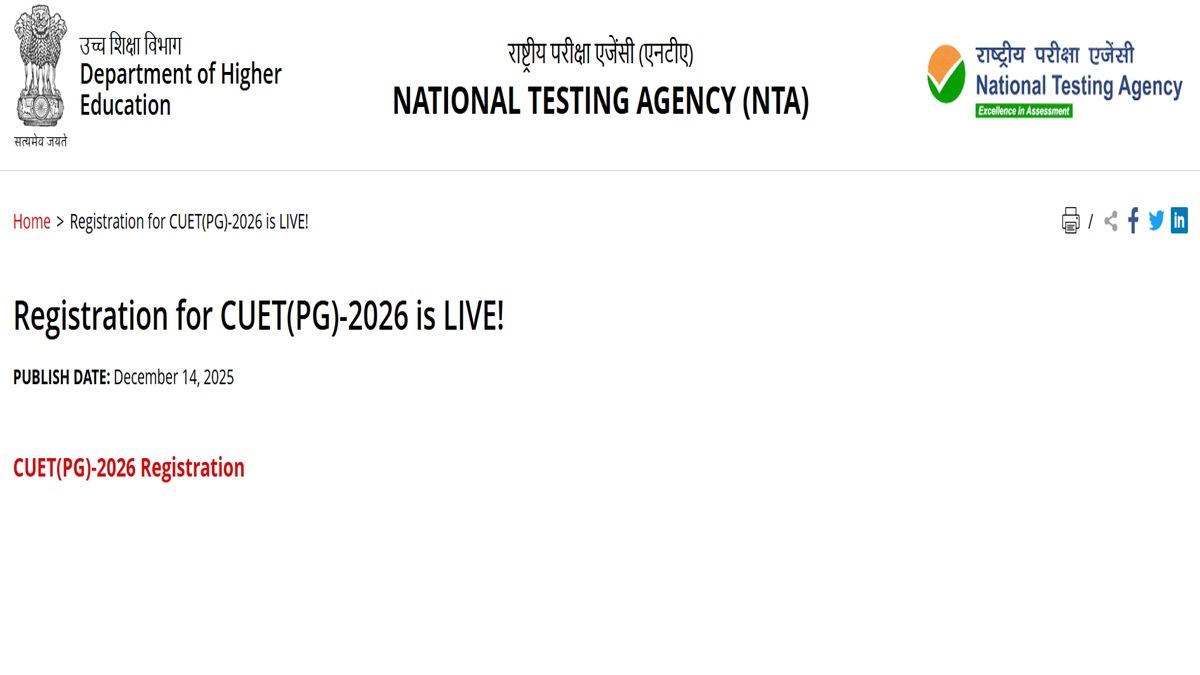
CUET PG 2026: The National Testing Agency has commenced the CUET PG 2026 online application process. Candidates interested in appearing for the CUET PG exams can check the registration and application schedule here. The last date for students to register for CUET PG is January 14, 2026.
NTA is scheduled to conduct the CUET PG entrance exam in March 2026. The CUET PG 2026 entrance exam will be conducted in the computer-based mode across designated exam centres. The complete schedule for subject-wise PG entrance exams will be released by the officials soon. Candidates are advised to keep visiting the official website for the latest updates.
Candidates applying for the PG entrance exam must make sure they check through the eligibility criteria before applying for the exams. CUET PG 2026 registration and application link is available on the official website exams.nta.nic.in/cuet-pg/. Candidates can also click on the direct link given below to apply.
CUET PG 2026 Official Notification - Click Here
CUET PG 2026 Registration - Click Here
CUET PG 2026 Schedule
The CUET PG 2026 registration and application window is now open. Candidates can check the complete schedule here.
| CUET PG applications commence | December 14, 2025 |
| Last date to apply | January 14, 2026 |
| Application correction | January 18 to 20, 2026 |
| Exam city slip | To be issued later |
| CUET PG admit card | To be issued later |
| CUET PG exam | March 2026 |
CUET PG 2026 Steps to Register
The CUET PG 2026 registration and application link is available on the official website. Follow the steps given to apply
Step 1: Visit the official website of NTA
Step 2: Click on the CUET PG section
Step 3: Click on the registration link
Step 4: Click on new registration
Step 5: Enter all required details
Step 6: Fill out the application form
Step 7: Upload all required documents
Step 8: Submit the application fee
Step 9: Save and click on submit




Comments
All Comments (0)
Join the conversation